
Google said on October 29, 2026 that users of the Gemini app can now generate, preview and edit documents, PDFs, presentations, spreadsheets, code and other files directly inside a chat. The capability is available to all users in all languages where the app is offered, with no staged rollout described. For companies this matters because a draft no longer has to leave the conversation to be corrected.
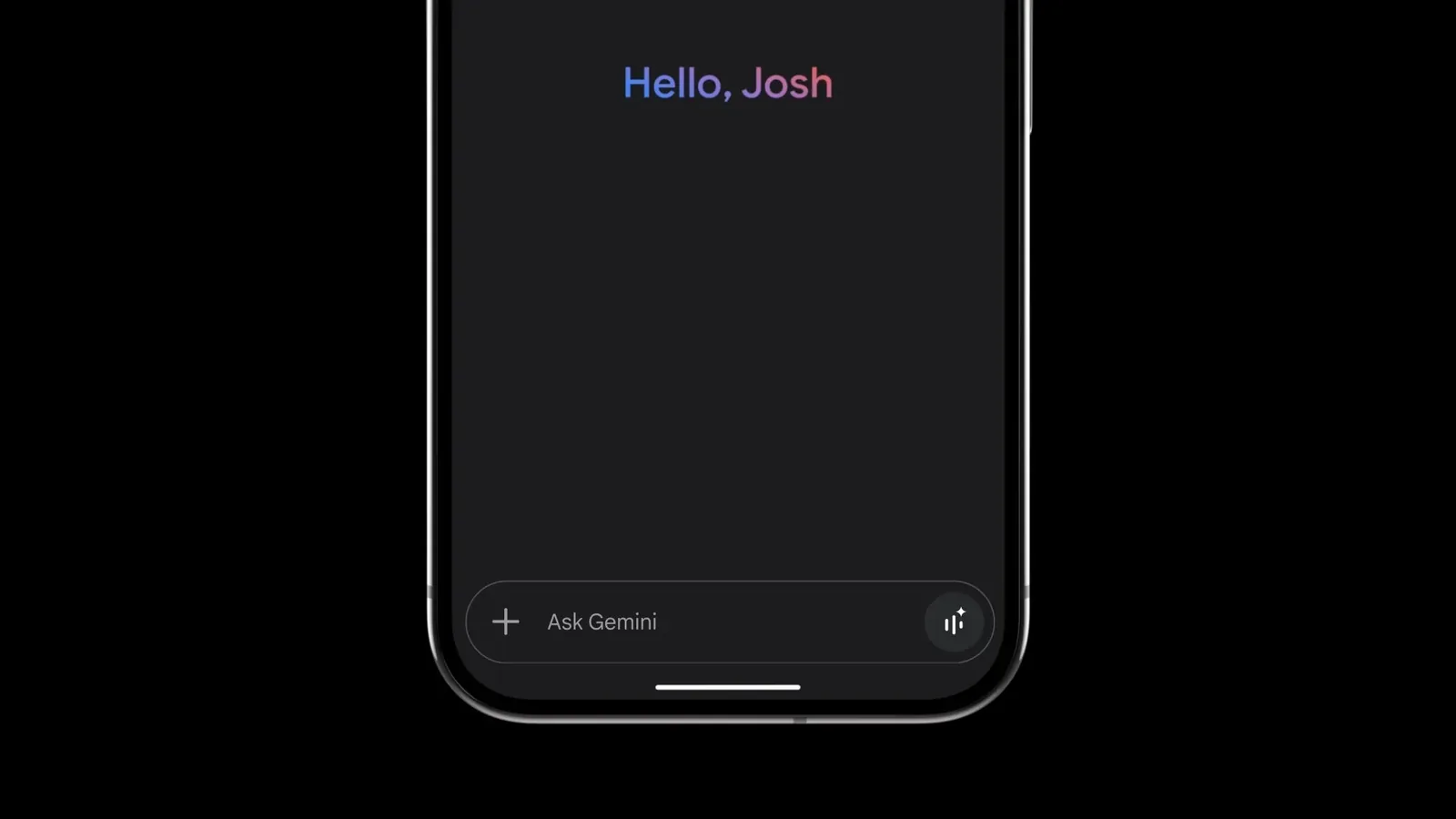
How in-chat file editing now works
The update extends file generation first introduced in April 2026 with three editing mechanics described on the Gemini App blog. Users can expand a file to full screen and type changes directly into it, highlight a passage to ask a question about that selection, or instruct Gemini to refine the contents. Generation, preview and revision therefore stay in one interface instead of moving between applications.
Google illustrated the sequence with a study guide built from handwritten lecture notes. A user uploads the notes and asks Gemini to create a PDF study guide, then edits it manually, highlights sections for Gemini to change text or visuals, and asks follow-up questions about the material. The company presented this as a single continuous session, where the assistant alters selected portions on request while the user keeps manual control at full screen.
Format support is split by platform under the October update. PDF preview and editing work on both web and mobile versions of the Gemini app. All other named formats, including Google Docs, Google Sheets, slide decks, Markdown files, TXT files and code, are supported on the web only. A phone or tablet user can thus revise PDFs in chat, while docs, sheets, decks and code require the browser version.
What this means for business document work
For teams that draft proposals, summaries, tables and presentations with AI, the practical effect is fewer handoffs between chat, office software and file storage. A budget outline, bulleted draft or one-page summary can be produced and corrected in place before download or export to Drive. Small firms without dedicated editors gain a faster path from rough notes to a readable file, while larger firms can standardize early drafting inside one tool.
The limits deserve attention before changing internal routines. Mobile editing covers only PDFs, so staff working from phones will still need desktop access for Docs, Sheets, decks and code. It is also unclear from the announcement how version history, access rights and formatting fidelity behave when files move to Drive. Buyers should test complex layouts, tables and code blocks, and ask how highlighted edits are tracked.
The marker to watch is whether rival assistants keep editing inside chat or return files to external editors. If Docs, Sheets and PDFs created in Gemini circulate without rework in Word, Excel or Drive, the chat becomes a working surface rather than a drafting aid. The next product updates and enterprise adoption will show if that shift holds.